
Last updated November 15, 2026
 Wrought iron
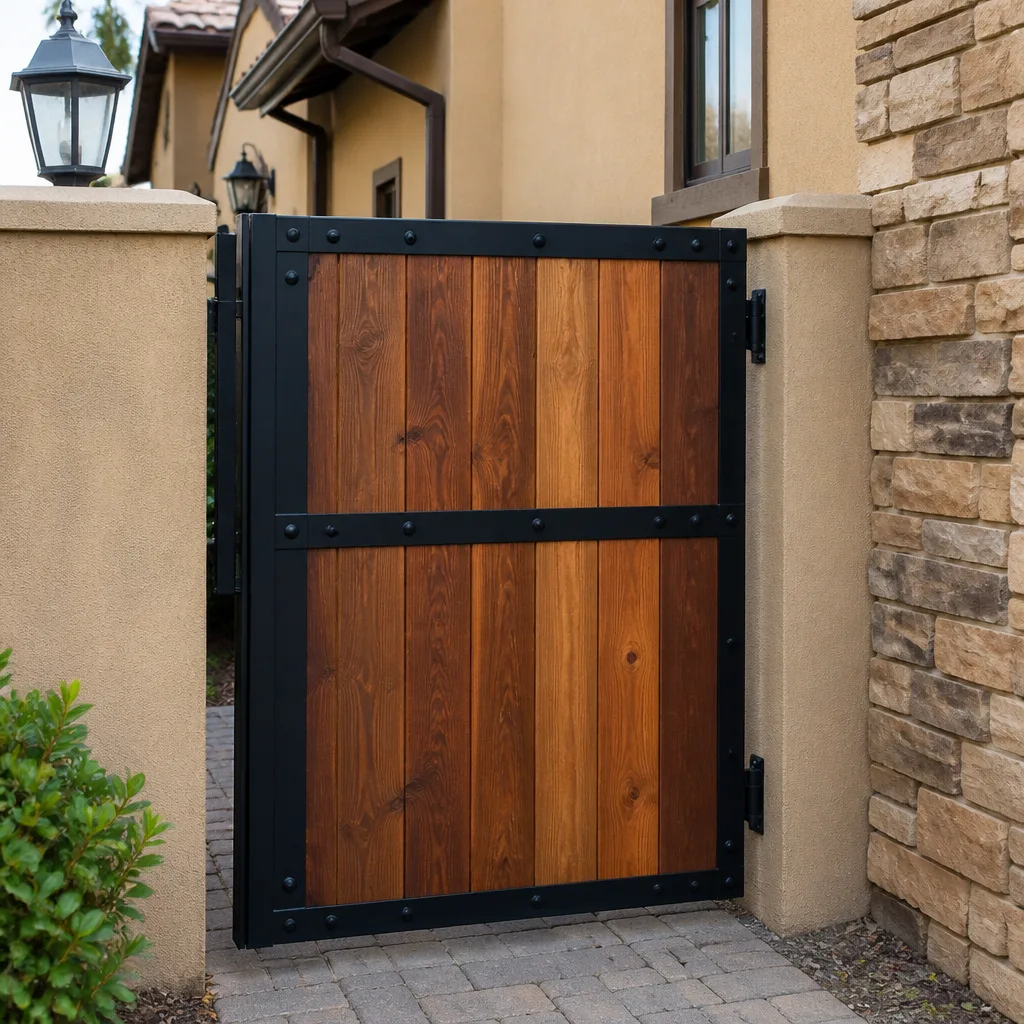 Wood & steel frame
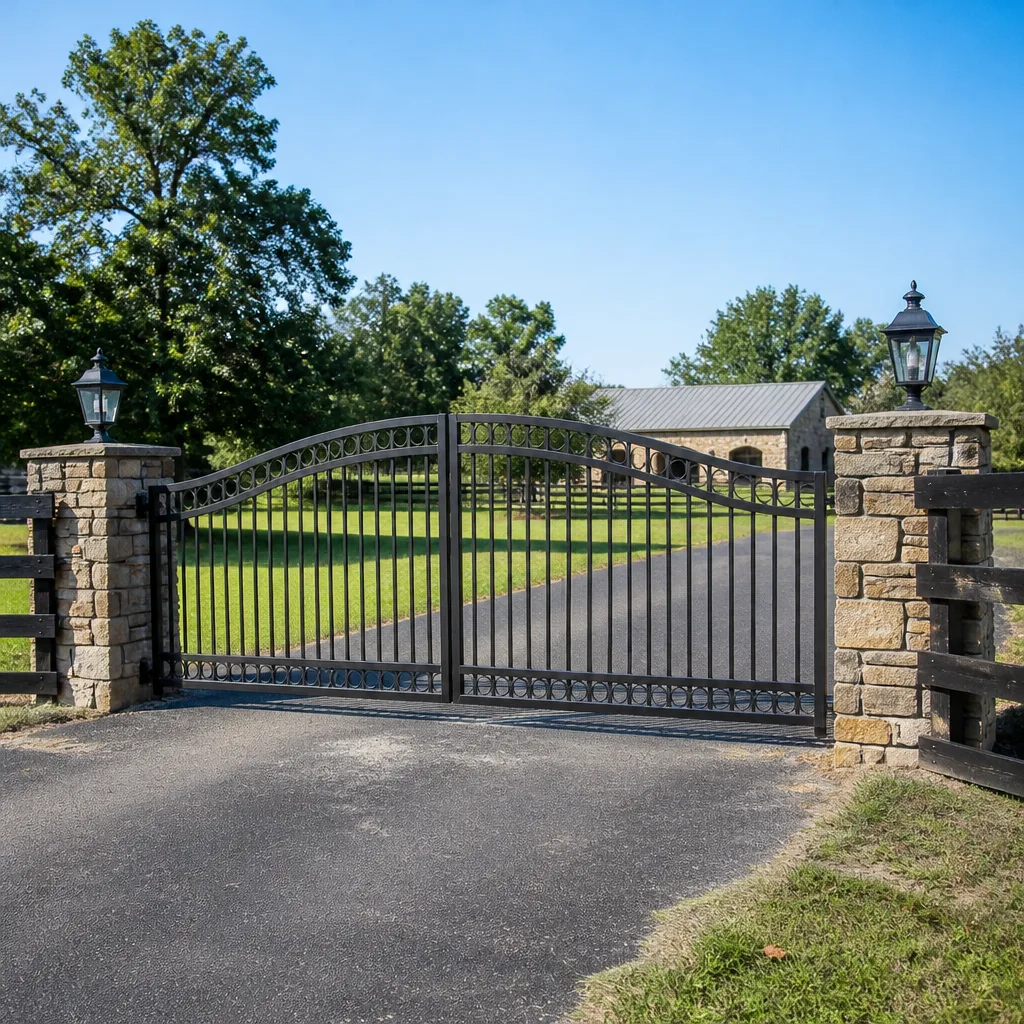 Farm & ranch
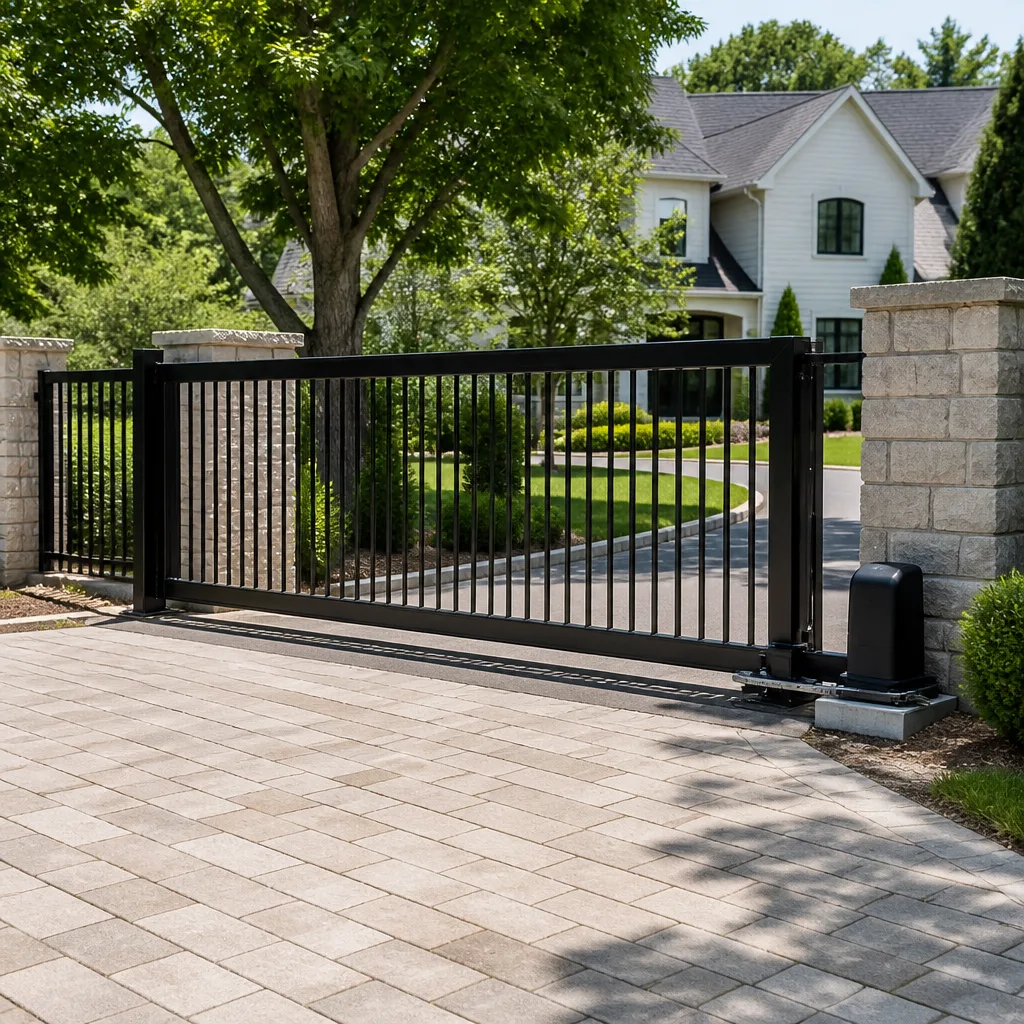 Sliding driveway gates
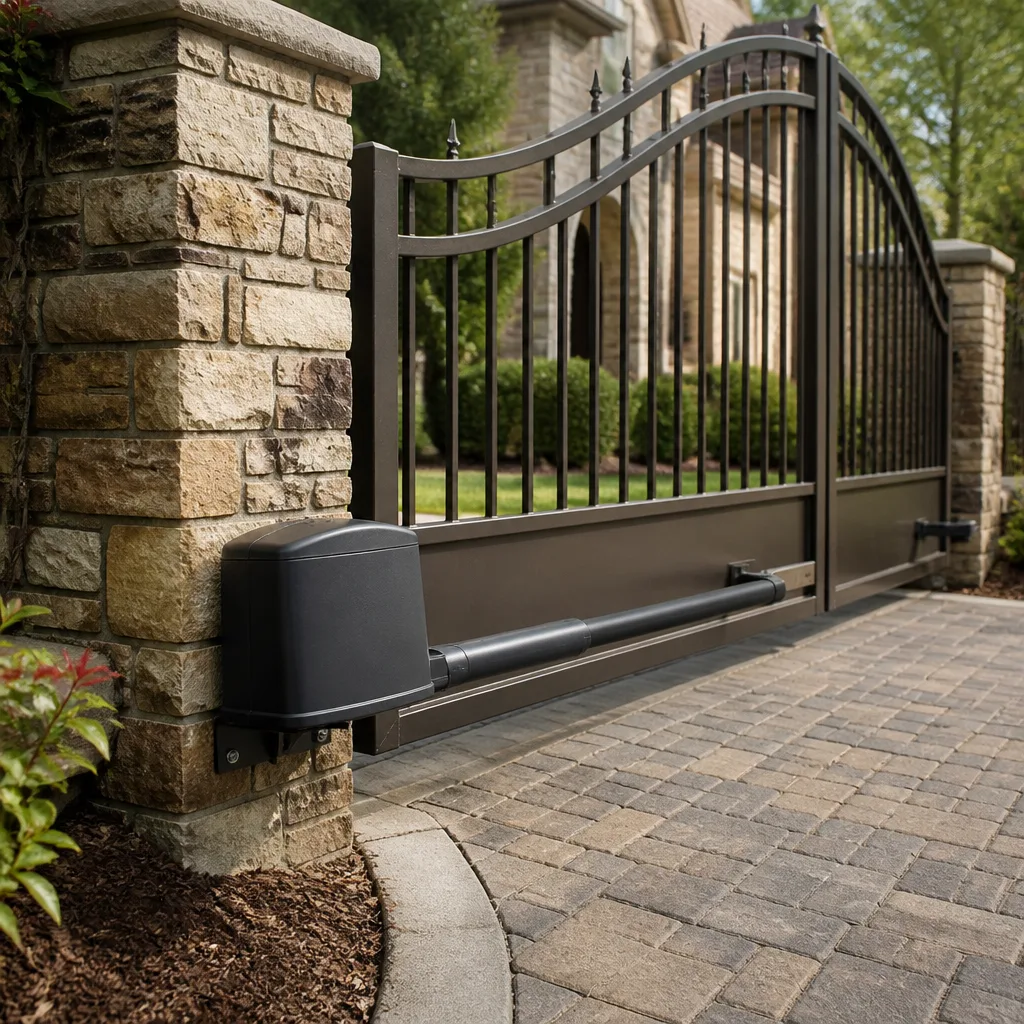 LiftMaster operators
Free on-site gate assessment - hinges, posts, and your LiftMaster or Nice gate operator checked before anything is quoted
The assessment is free and the quote is the invoice.
Get your free estimateGate Repair Troubleshooting in Cape Coral: Common Problems and How to Fix Them
A gate that stops mid-cycle isn’t automatically a motor problem. That’s the assumption that costs Cape Coral homeowners the most, because the motor is usually the last thing to fail and the first thing people want to blame. In our experience, most stuck gates trace back to a corroded limit switch, a track that has swollen or shifted, or a sensor that’s simply out of alignment. This guide walks you through a systematic diagnosis instead of a symptom checklist, so you can figure out which of five root causes you’re actually dealing with before anyone touches a wrench. You’ll learn the visual checks, the reset sequences, and the structural issues that masquerade as opener failures.
Quick Answer
Most gate failures in Cape Coral come down to one of five root causes: logic board or control failure, sensor misalignment, mechanical obstruction, power or wiring faults, or structural problems like sagging posts and worn hinges. A visual inspection in the right order usually narrows it to one before any parts are replaced. If the reset sequence won’t hold or you see burn marks on a board, that’s when it’s time for a technician who knows your brand.
Styles & brands we work with
- Wrought iron
- Wood & steel frame
- Farm & ranch
- Sliding driveway gates
- LiftMaster operators
Table of Contents
- The Five Root Causes of Gate Failure
- How to Tell a Board Failure from a Sensor Problem or Obstruction
- Why Cape Coral Humidity Attacks Control Boards and Terminals
- The Correct Reset Sequence for Your Operator
- How to Safely Release a Gate from Its Operator
- Three Failures That Look Like Opener Problems but Aren’t
- Brand-Specific Diagnostics: BFT, Linear, Viking, and Ghost Controls
- Common Mistakes to Avoid
- When to Call a Professional
- Frequently Asked Questions
The Five Root Causes of Gate Failure
Every non-starting gate we look at falls into one of five categories. The order matters because the cheapest and most common causes should be ruled out first. Skipping ahead to the motor is how people end up buying a replacement operator they didn’t need.
- Logic board or control failure. The brain of the operator has stopped sending commands. Symptoms include a gate that does nothing at all, a board with visible burn marks or bulging capacitors, or a remote that won’t pair no matter how many times you try.
- Sensor misalignment. Safety edges, photo-eyes, and loop detectors have lost their reference point. The gate may open fine but refuse to close, or reverse partway through travel. This is the single most common cause of a gate that reverses without warning.
- Mechanical obstruction. Debris in the track, a bent roller, a gate panel dragging on the ground, or vegetation growing into the path. The operator is trying to move something that physically won’t move.
- Power or wiring faults. Tripped breakers, loose terminal screws, rodent damage to low-voltage wire, or a transformer that’s given out. The operator has no power to work with.
- Structural problems. A sagging post, ground shift, or hinge wear that has changed the geometry of the gate. The operator is fine, but the gate has moved out of the range it was set up to handle.
In Cape Coral’s heat and humidity, we see causes one and two far more often than the others. The climate works on electronics and connections in a way that isn’t obvious from the outside. Knowing which category you’re in tells you whether this is a fifteen-minute adjustment or a component replacement.
How to Tell a Board Failure from a Sensor Problem or Obstruction
You can narrow most failures to a single cause with a flashlight, a visual walk-around, and no tools. The key is to check in sequence and stop as soon as you find something. Work through these steps in order.
- Look at the operator housing. Open the cover and scan the control board for dark spots, scorch marks, or a burnt smell. Any of those means board failure and you can stop here. Call a specialist.
- Walk the full travel path. With the gate open, look along the track and the ground for debris, gravel buildup, or vegetation. On a swing gate, look at the arc the panel travels for anything it might catch.
- Check the safety sensors. Photo-eyes should face each other directly and be clean. A cobweb across the lens or a unit knocked a few degrees off-axis will stop the gate from closing. Wipe the lenses and look for a small indicator light on each unit.
- Listen when you press the remote. A click from the operator with no movement points to a drive or mechanical issue. Complete silence points to power or the board. A motor hum with no movement points to a seized mechanism or a dead capacitor.
- Check the power supply. Confirm the breaker hasn’t tripped and that any inline fuse on the low-voltage side is intact. If the operator’s power LED is dark with power confirmed at the source, the transformer or board is suspect.
What this sequence does is separate electrical failures from mechanical ones from sensor issues before you spend a dollar. If you get to step five with no clear culprit, that’s your signal to bring in someone who can meter the board and test the inputs directly. For a full breakdown of what electric gate repair covers on automated systems, that’s our specialty.
Why Cape Coral Humidity Attacks Control Boards and Terminals
Cape Coral’s humid air is relentless on gate electronics, and the damage is usually inside the operator housing where you can’t see it from the driveway. What happens is moisture condenses on the control board during the cooler, damper hours, then evaporates as the day heats up. That cycle repeats, and over months it leaves behind corrosion on the terminals, the solder joints, and the low-voltage connections. The board itself may still look clean from a glance while the point where a wire meets a terminal has gone green and crusty.
This is why a humid-climate gate failure can look exactly like a wiring fault but isn’t. Here’s how to tell them apart:
- Corrosion damage tends to be gradual. The gate works intermittently for weeks, then starts failing only on humid mornings or after rain. The terminals show green or white crust, and screws may be seized.
- A wiring fault is usually sudden. The gate stops working after a specific event like a storm, a power surge, or routine yard work near the wire run. Connections may be physically loose rather than corroded.
- Board-level corrosion shows up as erratic behavior: the gate opens but won’t close, a remote works one day and not the next, or the operator resets itself randomly.
In our experience, the low-voltage terminal block and the safety edge connections are the first places to corrode. If you see crusty terminals, that’s a job for a technician with the right meter and the right replacement parts, not a spray of contact cleaner. Attempting to clean a live control board is a genuine shock risk, and a shorted board can damage the operator further. Turn the power off at the breaker and call someone who works on these systems regularly.
The Correct Reset Sequence for Your Operator
A reset won’t fix a failed board, but it will tell you a great deal about what’s actually wrong. The point of a reset is not to solve the problem: it’s to clear the operator’s memory of limits and faults so it can relearn where open and closed are. If the reset holds and the gate runs through a full cycle, the issue was a glitch or a stuck sensor. If it won’t hold, you’ve learned something important.
Reset sequences vary by brand. Here’s the general approach for the operators we see most in Cape Coral:
- LiftMaster and similar residential operators: cycle power at the breaker or disconnect, wait for the operator to power up, then hold the learn or limit-set button per the manual until the operator signals it’s in learn mode. Run the gate through a full open and close so it re-learns travel.
- BFT operators: these typically use a programming menu accessed through the board or a handheld programmer. A reset clears stored limits and forces a relearn on the first cycle.
- FAAC operators: many models use a dedicated reset or learning button on the board. Press and hold through the self-test until the operator acknowledges, then run a full cycle.
If the reset doesn’t hold, you’re looking at one of three things: a board that can’t retain memory, a sensor that’s continuously reporting a fault, or a mechanical problem that trips the obstacle detection mid-cycle. Each of those requires a different repair, which is exactly why a technician will reset first and diagnose second. When a reset fails, the operator is telling you where to look next. A brand-specific diagnostic saves the guesswork, which is why we work on your brand rather than trying generic fixes.
How to Safely Release a Gate from Its Operator
If your gate is stuck and blocking a driveway or entrance, you’ll need to release it manually. Do this right and you won’t damage the armature or void the operator’s warranty. Do it wrong and you can bend the arm, strip the gear, or put yourself in the path of a moving panel.
- Cut power first. Turn off the breaker or disconnect the operator before anything else. A gate that suddenly receives a command while you’re working the release mechanism can move without warning.
- Find the manual release. On a slide gate it’s usually a keyed release or a lever on the operator. On a swing gate it’s often a release key on the arm or a lever on the motor housing. Your operator manual will show exactly where it is.
- Follow the release direction, not force. Turn the key or pull the lever in the direction the manual specifies. If it won’t budge, stop. Forcing it can shear the release mechanism and turn a repair into a replacement.
- Move the gate by hand slowly. Once released, open the gate manually with steady pressure. If it binds, something mechanical is wrong and you should stop pushing.
- Secure the gate before you walk away. A released gate can swing or slide on its own. Prop or lock it in the open position so it doesn’t roll into a vehicle or a person.
One important warning: on a heavy gate, especially a commercial slide gate, the panel itself can crush or pinch. Never stand in the travel path while you’re working the release, and never try to stop a moving gate by hand. If the release mechanism is jammed or the gate won’t move even when disconnected, that’s structural and you should leave it to a technician. The gate operator’s arm and the gate panel can both cause serious injury.
Three Failures That Look Like Opener Problems but Aren’t
Three specific failures mimic operator problems closely enough that people replace perfectly good motors. If your gate has been reset, the sensors are clean, the board looks fine, and it still misbehaves, look at the gate itself.
Sagging Posts
A gate post that has settled or shifted changes the geometry the operator was set up for. On a swing gate, a post that leans even slightly throws off the open and close limits and makes the gate drag. On a slide gate, a post that has moved will pull the track out of line. The operator is doing what it’s told, but the gate isn’t where the operator expects it to be. Look for a gap at the base of the post, cracks in the concrete collar, or a gate that hangs lower on one side.
Ground Shift
Cape Coral’s sandy soil and seasonal rain can move the ground under a gate’s track or hinge plate. A track can heave or settle after heavy rain, and a gate that worked fine in the dry season starts catching when the ground moves. This shows up as a gate that binds in one spot or scrapes the ground at one end of its travel. It’s also why a gate that ran smoothly for months suddenly starts reversing mid-cycle: the operator feels resistance it wasn’t set up for.
Hinge Wear
Worn hinges on a swing gate let the panel drop and twist. The gate starts to drag, the operator strains, and eventually the gate reverses or stops. If the gate wobbles when you push it by hand with the operator released, the hinges are suspect. Hinge wear is often slow and easy to miss until the gate is binding badly enough to trip the obstacle detection.
All three of these are gate repair problems, not operator problems, and treating them as electronics wastes money. The fix is structural: reset the post, realign the track, replace the hinges. Only then does it make sense to check the operator. If you’re seeing any of these signs, it’s worth a look at our gate repair page to understand what a proper diagnostic covers.
Brand-Specific Diagnostics: BFT, Linear, Viking, and Ghost Controls
Generic gate troubleshooting gets you partway, but the last mile is brand-specific. Each operator stores faults differently, uses different learning sequences, and has components that fail in characteristic ways. This is why a technician who works on your brand gets to the answer faster and replaces fewer parts.
BFT commercial and residential operators use a programming logic that records fault codes and limit positions. A BFT that misbehaves after a power cut usually needs a relearn rather than a repair. If the fault returns after relearning, the board or an encoder is the next suspect.
Linear operators are common on residential driveways and small commercial entrances. Linear failures often trace to the safety edge or a limit switch that has drifted. Resetting the limits usually holds if the hardware is sound.
Viking operators, especially on barrier arms and heavier commercial entrances, have their own control logic and access-control interfaces. A Viking barrier arm that won’t raise usually points to an access-control signal problem or a limit issue rather than the motor.
Ghost Controls residential operators are known for straightforward diagnostics on the board itself. A Ghost Controls gate that won’t respond is often a wiring or sensor issue, because the electronics are simpler.
We also work on LiftMaster, FAAC, DoorKing, Elite, and Mighty Mule operators, so we don’t hand you off when your brand comes up. A technician who knows the specific board and knows what its fault indications mean will find the cause faster than someone learning your operator for the first time. If you’d rather skip the diagnosing and get someone out to look, you can reach our team at (855) 687-9638.
Common Mistakes to Avoid
- Replacing the motor before checking the board. A dead motor is rare compared to a failed board or sensor. Testing the board first saves you the cost of a part that wasn’t the problem.
- Spraying contact cleaner on a live control board. This is a genuine shock hazard and can bridge connections and short the board. Cut power at the breaker before you touch anything inside the housing.
- Forcing the manual release. If the key or lever won’t turn, forcing it shears the mechanism or bends the arm. Stop and call a technician rather than breaking the release.
- Ignoring a sagging post and resetting the gate over and over. Repeated resets won’t fix a geometry problem. The gate will keep failing because the operator is being asked to move a gate it can’t reach cleanly.
- Cleaning safety sensor lenses but not checking alignment. A photo-eye that’s facing a fraction off-axis will still fail even with clean lenses. Check that the units face each other squarely and their indicator lights are on.
- Assuming a barrier arm failure is a bad motor. On commercial DoorKing and Viking systems, the arm not raising is more often an access-control or limit issue than a motor.
- Running the gate with a known obstruction in the path. Forcing the operator against debris strains the drive and can overheat the motor. Clear the track first, then test.
When to Call a Professional
Some failures you can diagnose safely. Others need a technician with a meter and the right parts. Call a professional when you see burn marks or smell burning on the control board, when the reset sequence won’t hold after two attempts, when the gate reverses or stops with no visible obstruction, or when the manual release is jammed. You should also call if the gate is commercial, if it’s heavy enough to crush, or if the failure involves the access-control wiring or the power supply beyond a tripped breaker. Electrical work on an operator and the repair of a heavy gate panel are both jobs where a mistake can cause serious injury. Cape Coral Gate Repair offers free estimates in Cape Coral – call (855) 687-9638. We answer 24/7. Fast dispatch from 7am to 7pm, Sunday through Friday, and the price is set per job by a written estimate agreed before any work starts.
Frequently Asked Questions
Gate repair in Cape Coral is priced per job after a technician inspects the system and finds the root cause, so the written estimate is what sets the final price. Sensor realignments and limit resets are usually quick fixes, while board replacement or structural work is more involved. Call (855) 687-9638 for an exact quote – estimates are free, and the price is agreed before any work starts.
Same-day service is often possible for repair calls. We answer 24/7 and run fast dispatch from 7am to 7pm, Sunday through Friday, closed Saturday. A call outside dispatch hours is booked into the next opening. Call (855) 687-9638 and we’ll get your gate back in operation.
A gate that opens but won’t close almost always has a safety sensor problem, not a motor problem. The photo-eyes or safety edge are reporting an obstruction, so the operator refuses to close. Check that the lenses are clean and facing each other, then look for debris in the travel path. If that doesn’t fix it, call (855) 687-9638 for a diagnostic – the sensor wiring or the board may need attention.
No – don’t clean a live control board, and don’t assume contact cleaner will fix corrosion. Corroded terminals and board-level damage need a technician to test the board and replace what’s failed. Spraying a live board is a shock risk and can short it out. Turn the power off at the breaker and call (855) 687-9638 for a proper diagnostic.
We work on operators from nine brands, including LiftMaster, FAAC, BFT, Linear, Viking, Ghost Controls, DoorKing, Elite, and Mighty Mule, across residential and commercial gates. Brand-specific diagnostics mean we know how your operator reports faults and how to get it back in operation. Call (855) 687-9638 to talk through your system.
Yes – we service both residential and commercial gates, including door and barrier systems from brands like Viking and DoorKing. Commercial entrances are measured, ordered, and scheduled when new equipment is needed, with a free measure and a written price. Call (855) 687-9638 to set up an on-site estimate.
The Bottom Line
Most gate failures in Cape Coral trace back to one of five root causes, and the trick is diagnosing them in the right order. Check the board, walk the path, verify the sensors, listen when you press the remote, and confirm power before anything else. If the reset doesn’t hold, look at the gate itself for sagging posts, ground shift, or hinge wear. When you get to the point where the board is damaged, the release is jammed, or the gate is heavy and won’t move, that’s a job for a technician who knows your brand. Cape Coral Gate Repair offers free estimates in Cape Coral – call (855) 687-9638. We answer 24/7. Fast dispatch from 7am to 7pm, Sunday through Friday, and the written estimate sets the final price before any work begins.
Written by the team at Cape Coral Gate Repair.
See the difference
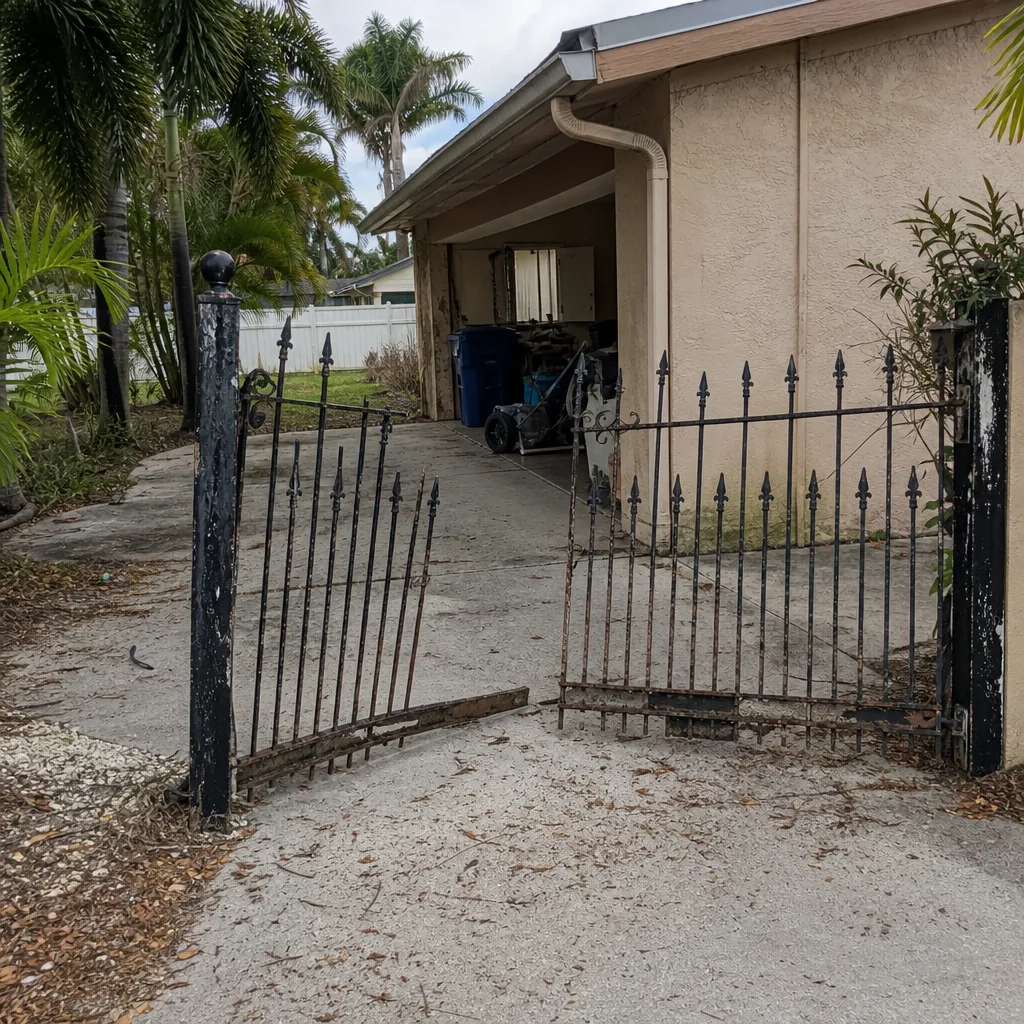 Before
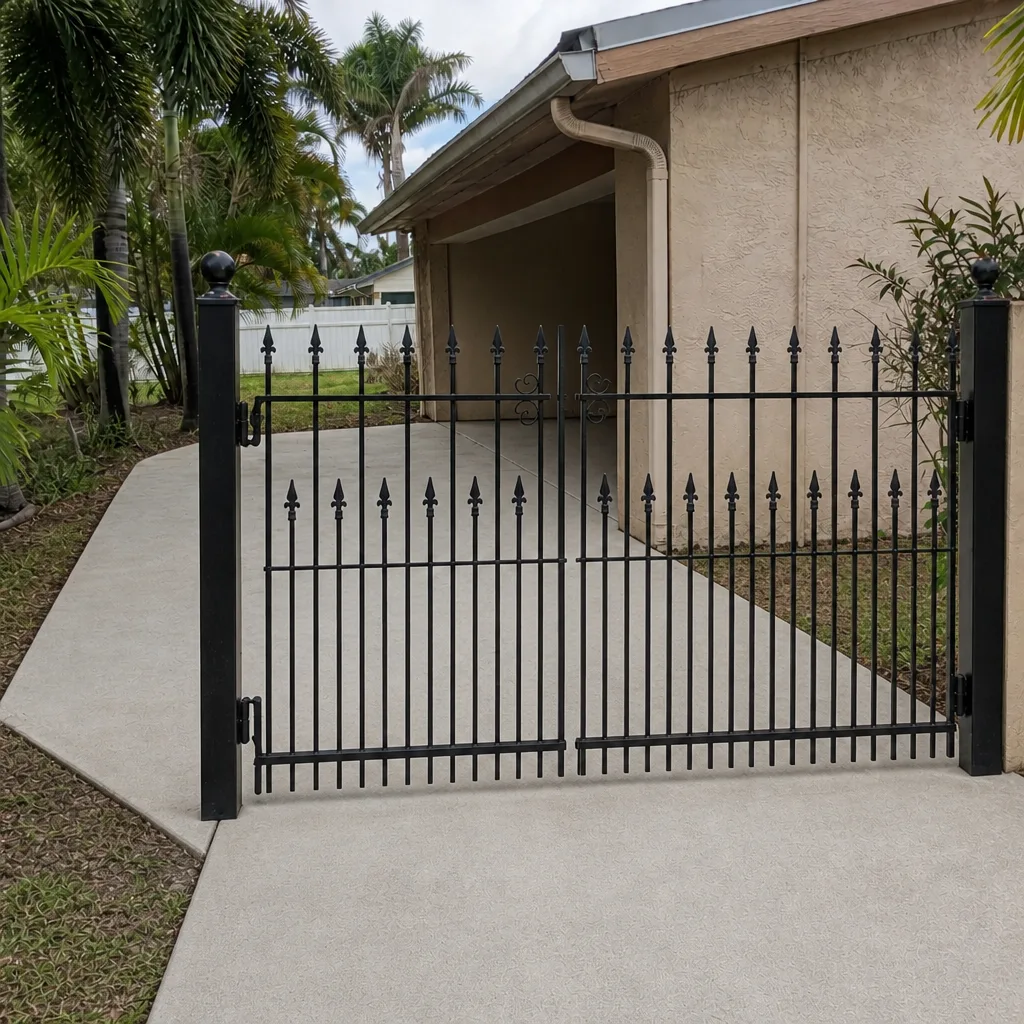 After
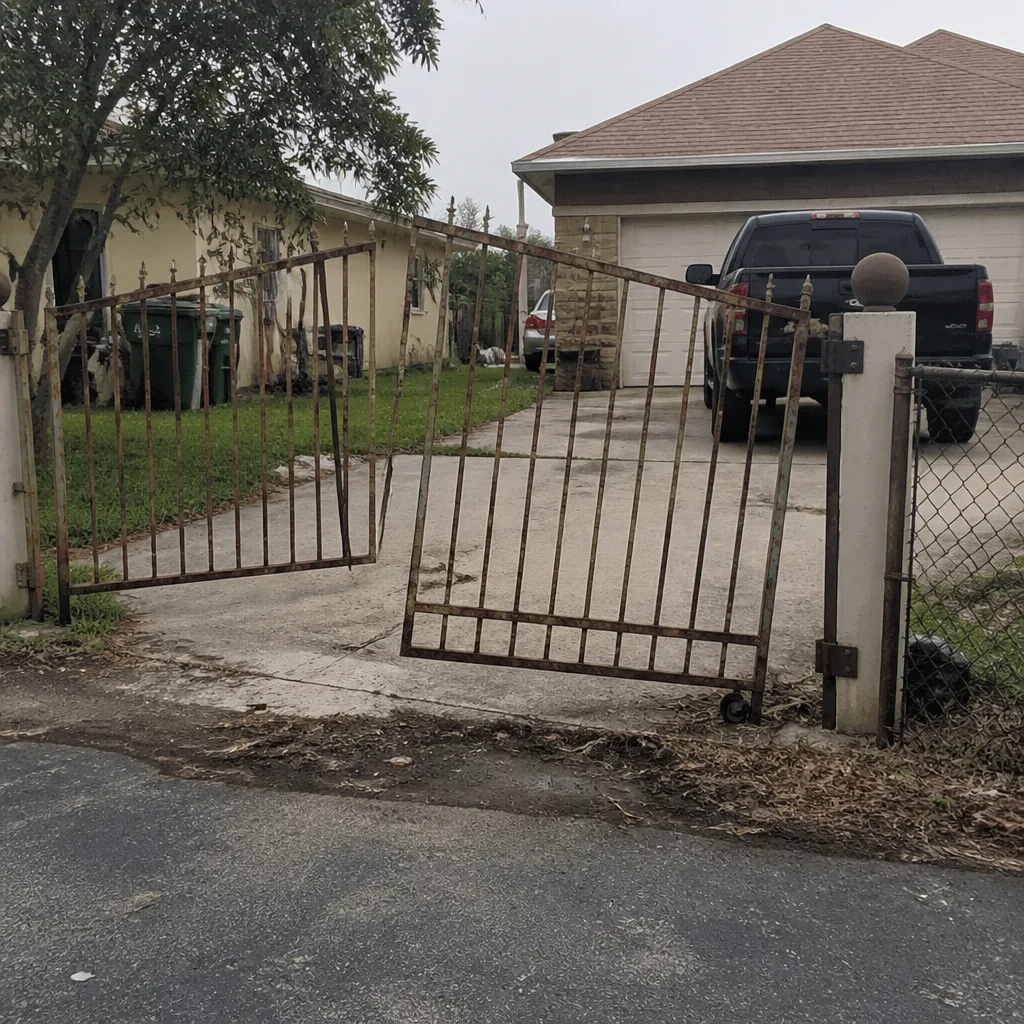 Before
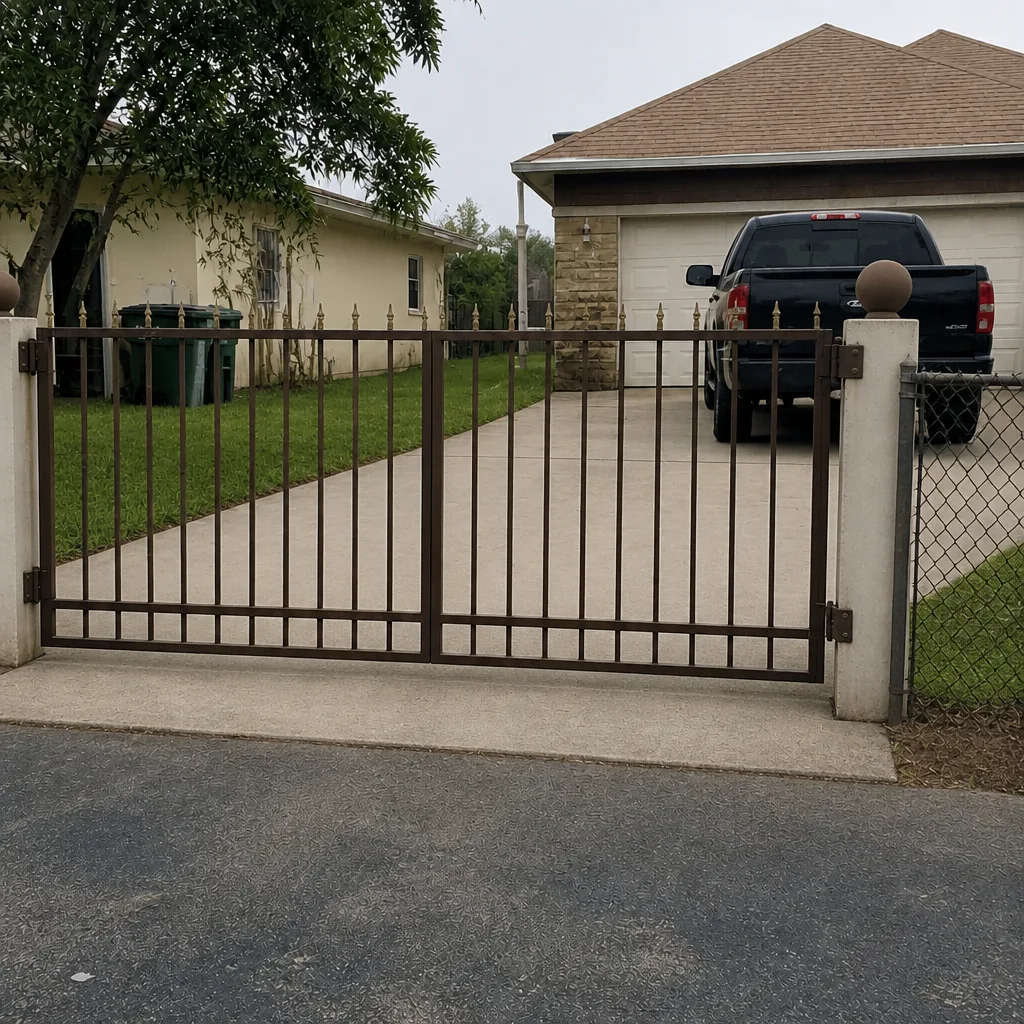 After
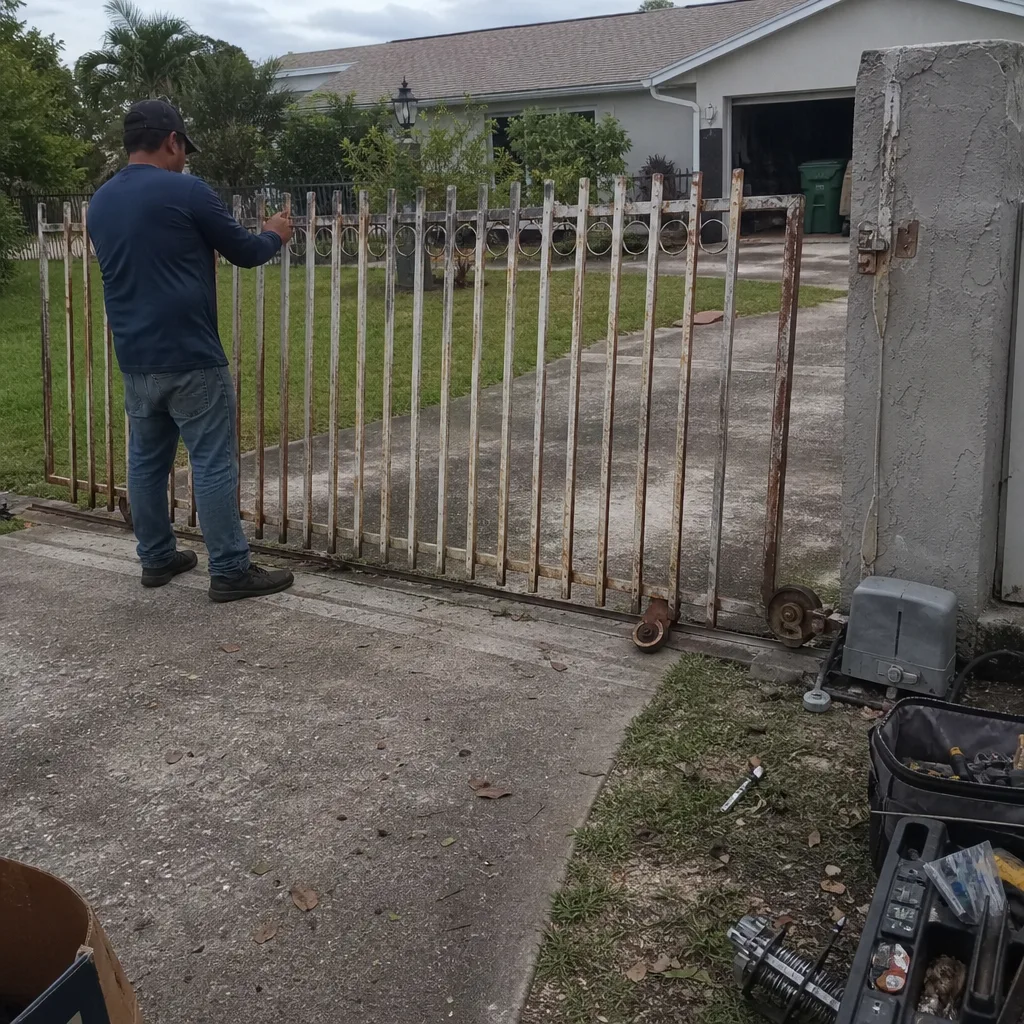 Before
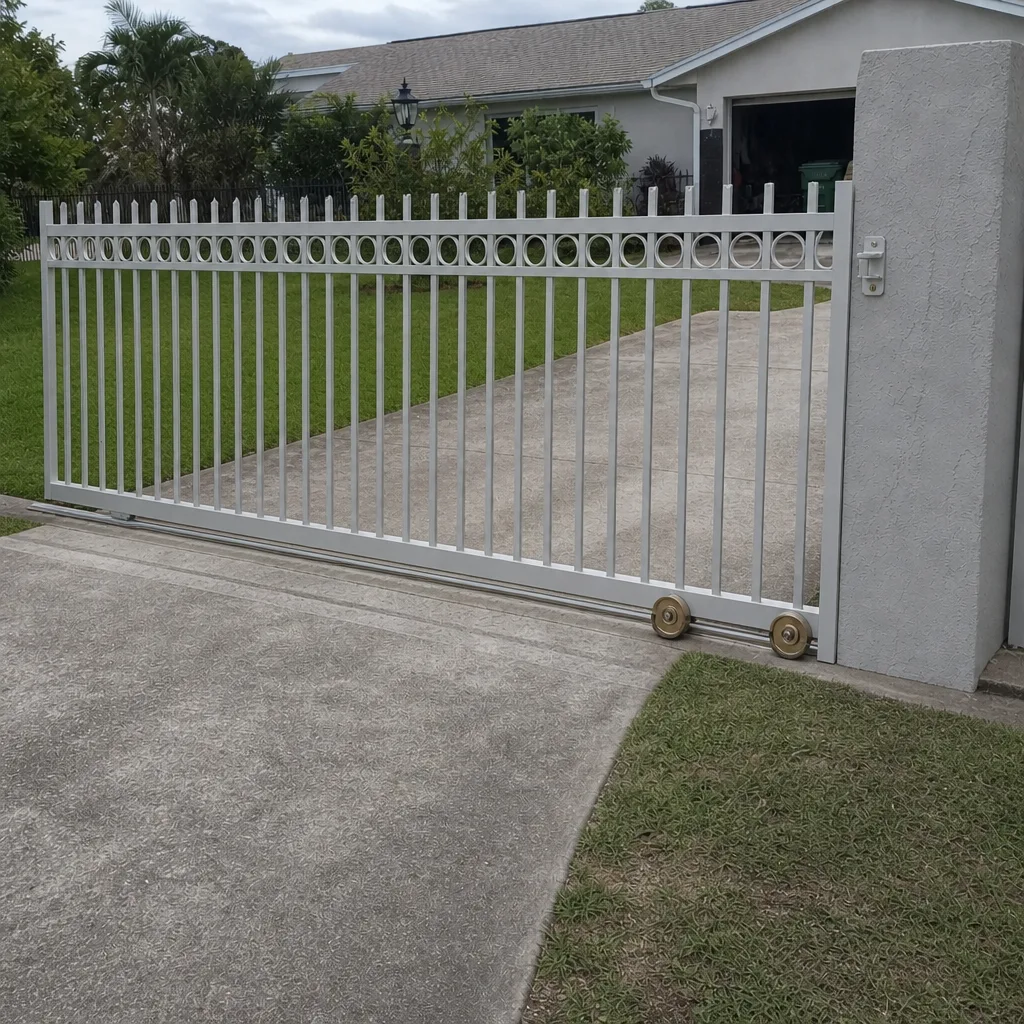 After