
Last updated November 15, 2026
 Wrought iron
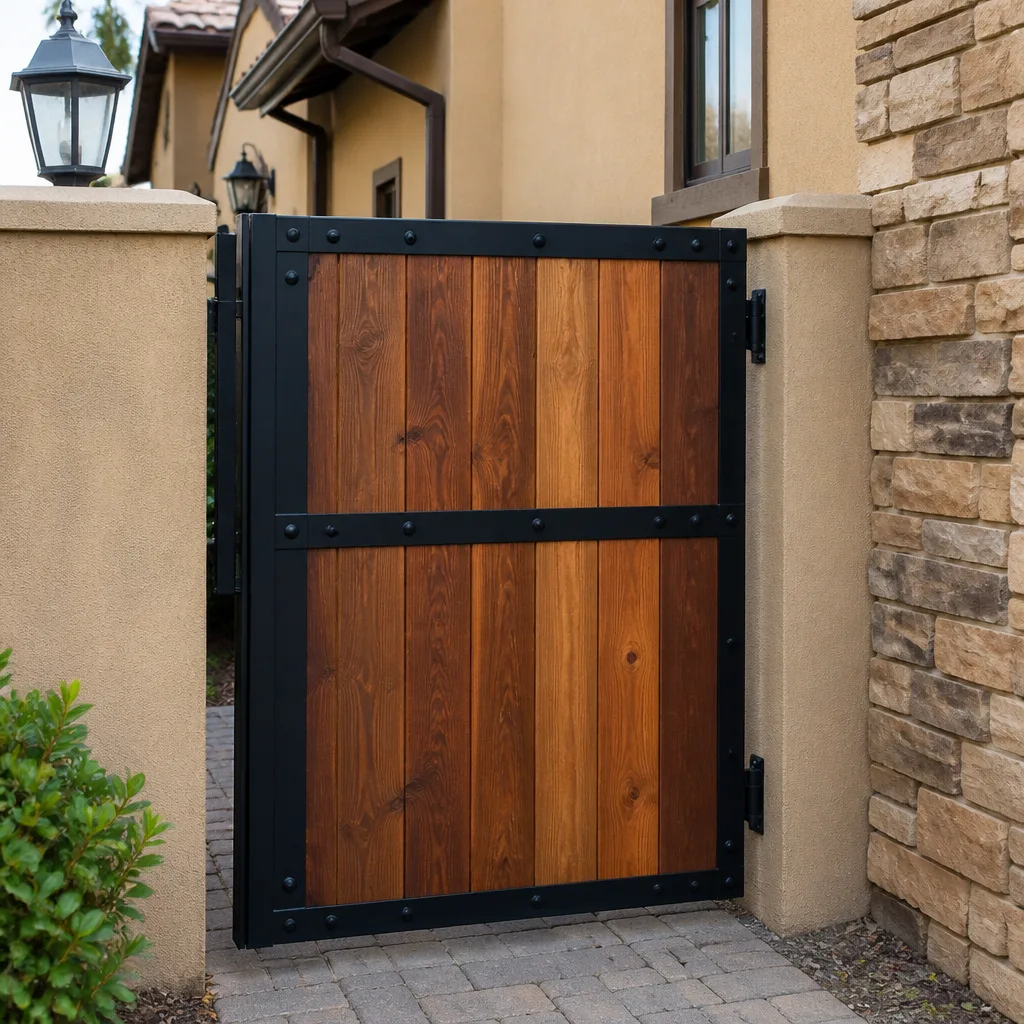 Wood & steel frame
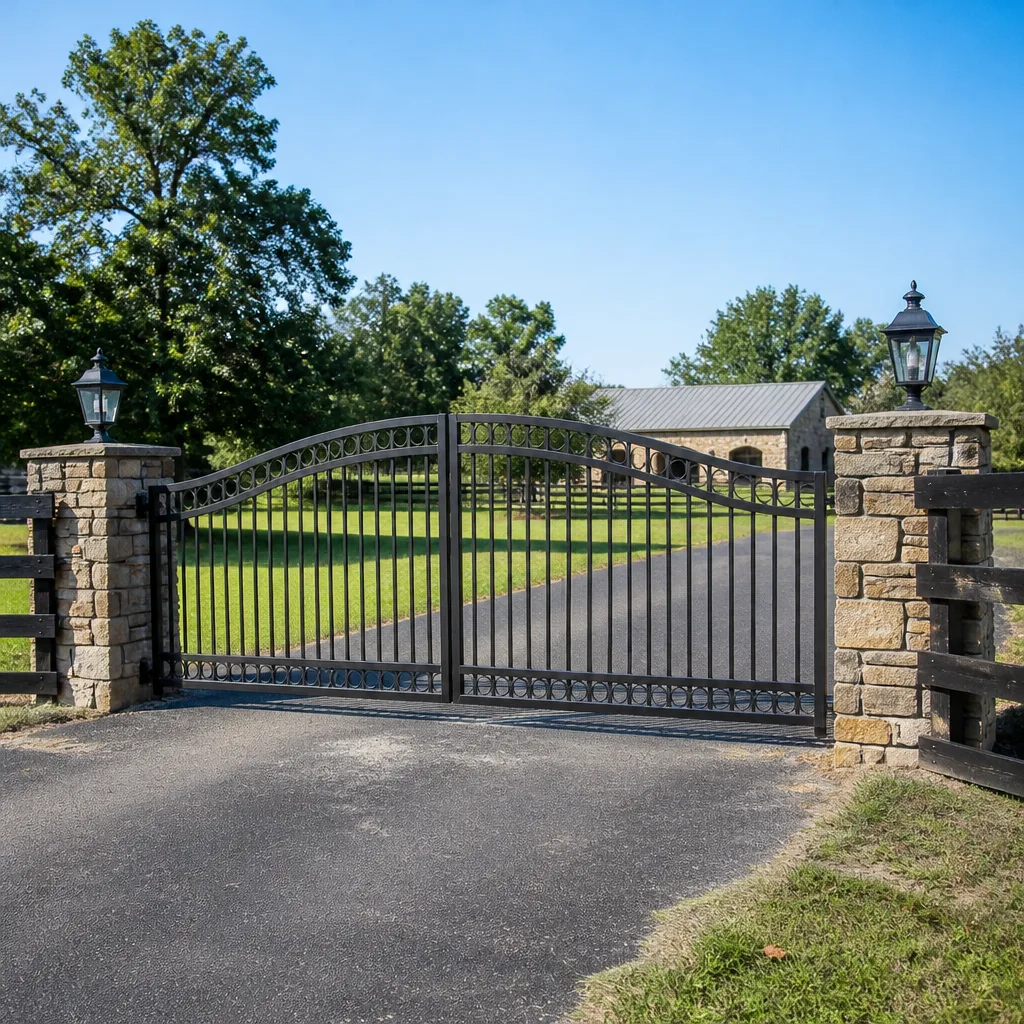 Farm & ranch
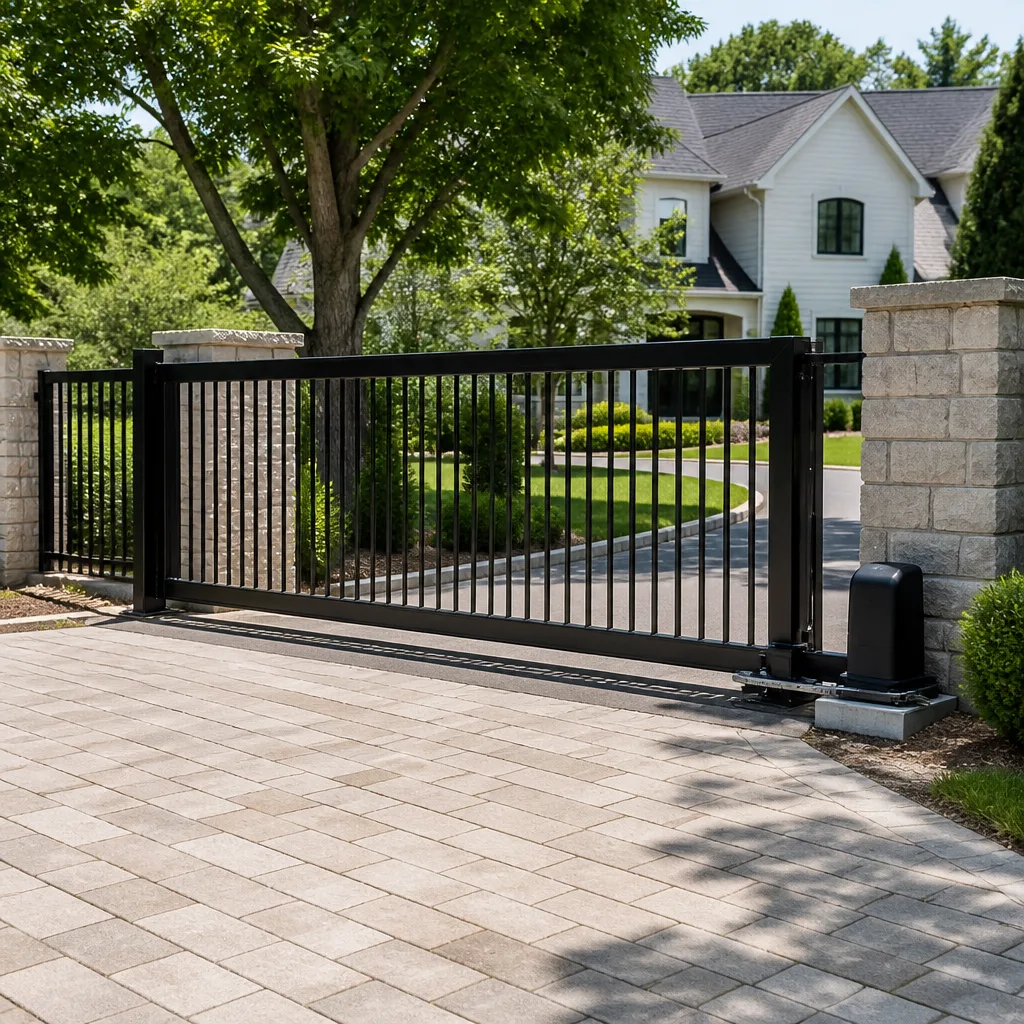 Sliding driveway gates
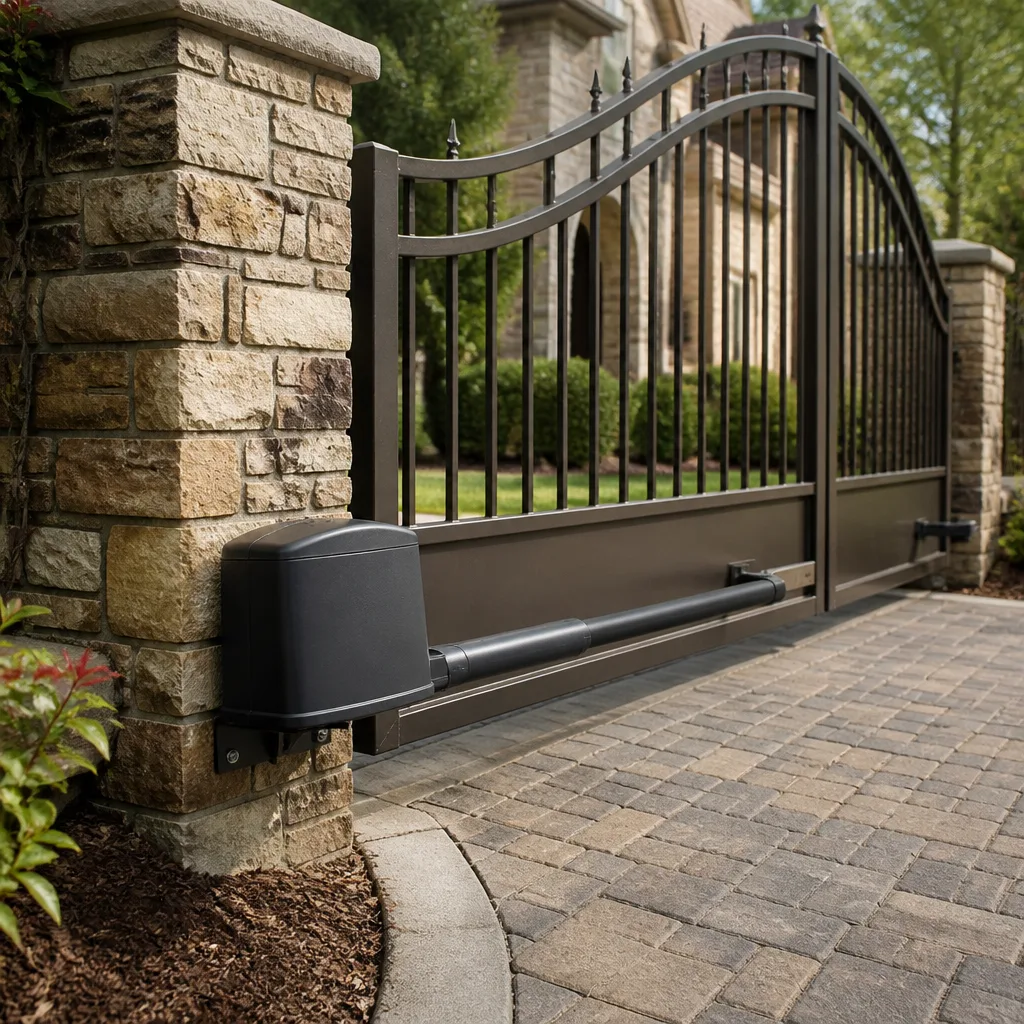 LiftMaster operators
Free on-site gate assessment - hinges, posts, and your LiftMaster or Nice gate operator checked before anything is quoted
The assessment is free and the quote is the invoice.
Get your free estimateGate Repair Warning Signs: A Cape Coral Homeowner’s Reference Guide
A gate that hesitates for half a second before it moves is not “just slow.” That pause is early motor strain, and in Cape Coral’s heat it tends to compound into a full operator failure within weeks, not months. We see it constantly: homeowners call only when the gate stops dead, after weeks of clicking, grinding and half-opened mornings they wrote off as quirks. Gates almost never fail without warning. They announce it, quietly, for a long time. This guide shows you what those warnings look like in swing and slide systems, how to read control board symptoms before the gate dies, which post-storm damage is structural, and the one sign almost everyone ignores.
Quick Answer
In Cape Coral, the earliest reliable warnings of gate trouble are a short hesitation before movement, grinding or clicking on travel, humming that continues after the gate stops, and a gate that no longer stops in the same spot every time. Any one of these means a component is under stress and should be checked before the gate fails completely. Catching the signs early usually means a component repair; waiting until it stops opening means a much larger job.
Styles & brands we work with
- Wrought iron
- Wood & steel frame
- Farm & ranch
- Sliding driveway gates
- LiftMaster operators
Table of Contents
- Why a Slow Gate Is Not a Minor Problem in Cape Coral
- Operator Strain vs. Track and Hinge Obstruction: How to Tell Them Apart
- What the Sounds Tell You: Grinding, Clicking and Post-Stop Humming
- Control Board Failure Symptoms and Blinking Light Codes
- Post-Storm Damage That Looks Cosmetic but Isn’t
- The Sign Homeowners Ignore: Inconsistent Stop Positioning
- A Monthly Inspection You Can Do in Ten Minutes
- Repair or Replace: Reading the Warning Signs Together
Why a Slow Gate Is Not a Minor Problem in Cape Coral
When an automated gate starts moving more slowly than it used to, most homeowners file it under “old age” and move on. That’s the wrong diagnosis, and it matters most in Cape Coral, where heat sits on gate operators for most of the year. Electric motors, gearboxes and control boards run hotter here than in cooler markets, and heat accelerates wear on every moving part. A motor fighting internal resistance draws more current, runs hotter still, and drifts closer to the point where a control board protects itself by refusing to move the gate at all.
What a slow gate usually means:
- Motor strain. The operator has to work harder than it should to move the same weight. Common causes are failing motor windings, gearbox wear, or a capacitor losing its capacity.
- Friction in the gate itself. Dry hinges, worn rollers, a track that has shifted, or a frame that is no longer square with its posts.
- A power delivery problem. Reduced voltage or a control board that can no longer deliver full current to the motor.
Two of those three are operator problems and one is a structural problem, and they need entirely different repairs. That’s why the first question a technician should ask is not “how old is the gate” but “does it move slowly in both directions, or mostly one?” A gate that drags in one direction usually has a track, hinge or footing issue. A gate that is slow both ways is usually the operator. In Cape Coral’s swing gate country, where most residential gates use arm or articulated operators, both versions of the symptom show up constantly.
Cold-start behavior is a useful clue. A gate that hesitates on the first cycle of the morning and moves faster after a few cycles is often fighting mechanical friction that eases as the gate warms. A gate that hesitates identically on every cycle points to the operator. Either way, a gate that has slowed down is telling you a repair is coming. The only question is whether you schedule it now or after the gate stops completely.
Operator Strain vs. Track and Hinge Obstruction: How to Tell Them Apart
This is the single most useful diagnostic distinction on any automated gate, and the one quote shoppers most often get wrong. The symptom is identical: a slow gate. The cause and the fix are completely different. Telling them apart before anyone arrives shortens the repair and keeps you from paying for a motor when the real problem was a roller.
Signs the operator is straining:
- The gate moves slowly in both directions, evenly.
- The operator housing is noticeably warm after one cycle, or warmer than usual.
- You hear motor hum while the gate barely inches along.
- The gate moves normally by hand with the operator disengaged.
- The hesitation happens at every cycle, including the first and last.
Signs the gate itself is the obstruction:
- The gate moves unevenly, dragging in one direction or stalling at the same spot.
- You can feel resistance or a bind when you push the gate by hand with the operator disengaged.
- Hinges, rollers or track show visible wear, rust or play.
- The gate has shifted out of line with its posts or is no longer level.
- The gate grinds or squeals more than it hums.
Disengaging the operator (every automated gate has a manual release) and moving the gate by hand for a full swing or slide tells you most of what you need. If it moves smoothly, the problem is electrical or mechanical inside the operator. If it fights you, the gate is the problem and no amount of motor repair will fix it. In Cape Coral, where gates sit in sun and regular rain, hinge and roller friction is common on older swing gates, and slide gates pick up friction when their tracks collect debris and don’t get cleaned. A technician who checks the mechanical side before touching the operator usually finds the answer in minutes.
If the gate moves freely by hand and still hesitates, the operator is the suspect, and you want a technician who works on your brand specifically. We work on LiftMaster, FAAC, BFT, Mighty Mule and others, and the difference between a generic fix and a brand-specific one is usually in knowing the exact component that fails first on that model.
What the Sounds Tell You: Grinding, Clicking and Post-Stop Humming
Gates talk. The sounds they make are the most reliable early-warning system you have, and they mean different things depending on whether you have a swing gate or a slide gate. Learning to separate the sounds is worth a few minutes, because it tells you what kind of part is likely at fault and how urgent the repair is.
Swing gate sounds:
- Grinding during travel. Usually hinge wear or the operator arm, especially where the arm meets the gate leaf. If the grind is constant and rhythmic, suspect the gearbox or motor bushing inside the operator.
- Clicking on start or stop. Often a relay or capacitor in the control board, or an arm that has loosened at its mount and is shifting on each cycle.
- Humming after the gate stops. The operator is being commanded to keep running after the gate has finished moving. That’s usually a limit switch or control board problem, and it can burn out the motor if left alone.
- Loud clunk at the end of travel. The gate is hitting a hard stop instead of decelerating. The limit setting is off or the operator can no longer read its position.
Slide gate sounds:
- Grinding along the track. Debris, worn rollers or a track that has lifted. Clean the track first, then listen again.
- Clicking from the operator housing. Gear wear or, on rack-and-pinion systems, a pinion that has lost mesh with the rack.
- Humming but not moving. The operator is trying to drive but something is jamming it or its drive has failed internally. Stop cycling the gate and get it checked.
- Scraping at one end. The gate frame is no longer square with the track, or the track has shifted at that end.
The one sound to treat as urgent is humming after the gate stops. It’s the sound of an operator working against nothing, and it’s a common path to motor failure. On many LiftMaster and FAAC residential operators, the same symptom points to the control board still trying to drive after a limit was reached. Either way, don’t keep cycling the gate repeatedly while you wait for a visit.
Control Board Failure Symptoms and Blinking Light Codes
A gate’s control board is the part that decides everything: when to open, when to stop, when to reverse on an obstruction, and when to protect the motor from damage. Boards rarely fail without a warning phase, and the warning phase is mostly visible as intermittent oddities and blinking lights. Learning to spot the phase before the gate goes completely dead is the single most valuable habit in this guide.
Warning-phase signs a control board is failing:
- The gate occasionally ignores the remote or keypad, then works fine minutes later.
- The gate stops partway and reverses on its own with nothing in the path.
- The gate opens fine but refuses to close, or the reverse.
- Safety edges or photo-eye beam detection behaves inconsistently.
- Remotes that used to work at a distance stop working until you’re nearly at the gate.
- A blinking light code appears on the board that you don’t recognize.
Reading blinking light codes:
- Locate the board. It’s inside the operator housing, usually behind a cover panel. Note where the LED indicators are.
- Count the blinks. Most manufacturers use a pattern (a certain number of blinks, a pause, then a repeat) to encode a fault. Write down the pattern exactly, including whether it pauses or changes.
- Match the pattern to your brand’s manual. A pattern that means “obstruction detected” on a LiftMaster operator can mean something else on a FAAC or BFT board. Don’t assume codes carry over between brands.
- Check the obvious triggers first. A blinking fault code often points to something external: a misaligned photo eye, a safety edge that sees a reflection, or a limit switch that has drifted.
- Don’t keep resetting and cycling. If the fault returns quickly, stop and get the board checked. Repeated cycling on a faulty board can damage the motor.
The codes themselves are the strongest reason to work with a technician who knows your specific brand. A generic fix applied to a board with a brand-specific fault often just delays the failure. We work on LiftMaster, FAAC, BFT, Linear, Viking, Ghost Controls, DoorKing, Elite and Mighty Mule operators, and we can usually narrow down the fault from the codes and symptoms before the first visit, which means less time with a gate that isn’t working.
Post-Storm Damage That Looks Cosmetic but Isn’t
Cape Coral’s summer storm season does something to gates that a lot of homeowners miss, because the damage usually looks like a smudge, a bend you can barely see, or a gate that “still works, mostly.” The gate moves, so it gets filed under cosmetic. Weeks later, the gate sticks, drags or won’t close fully. Here’s what to actually look at after a big storm, and why each sign matters.
- A gate that no longer meets its post cleanly. A storm can nudge a post or flex a heavy gate leaf. If the gate closes but the latch no longer lines up, the frame is out of square. Left alone, this stresses hinges and the operator on every cycle.
- New gaps or misalignment between gate and posts. Small shifts in the frame or footing are easy to miss but compound quickly with daily use.
- Loose or wobbly posts. A post that can move by hand means whatever is holding it in place has loosened. That’s a structural sign, not a cosmetic one.
- Debris or gravel in a slide gate’s track. Storms deposit it, the operator grinds against it, and the rollers and pinion wear fast.
- Photo eyes knocked out of alignment. A gate that refuses to close after a storm is often just a safety sensor knocked out of line. That one is usually a fast fix.
- Bent or cracked hinges and arms. Even a small bend changes how the gate travels, and the operator fights the misalignment on every cycle.
The frame is the part to take seriously. A gate that looks fine but sits out of line is putting stress on the operator throughout every open and close, and that stress is exactly what shortens the operator’s life. After a big storm in Cape Coral, it’s worth walking the gate through a full cycle by hand (operator disengaged) and watching for drag, a change in the closing line, or a post that wobbles. If any of those are present, get the frame and gate checked before you keep running the operator.
The related repair page is a good next stop if a storm has left you with a gate that isn’t working: gate repair covers what a technician actually looks at and how the work is priced.
The Sign Homeowners Ignore: Inconsistent Stop Positioning
If a gate used to stop exactly at the same point every time and now stops slightly short, slightly past, or in different spots on different days, that’s the warning sign most often ignored, and it’s the one that precedes the most serious incidents: a gate that doesn’t stop where it should and strikes a vehicle or a person.
Inconsistent stop positioning means the operator and the gate are no longer agreeing about where the gate is. On an automated gate, the operator tracks travel with limit switches or an encoder, and it decelerates and stops based on that tracking. When tracking slips, so does the stop point. That drift is what turns a gate that “was always a little off” into one that closes on a bumper, a trash can, or a child in the driveway.
What to watch for:
- The gate stops a little short, or a little past, on some cycles but not others.
- It used to stop with an even gap and now doesn’t.
- The gate occasionally reverses without an obvious trigger.
- Stop positioning varies between the open cycle and the close cycle.
- One cycle is smooth and the next hesitates at the same spot.
Two things cause it: the limit settings have drifted (or the operator can no longer read them), or the gate itself has shifted so the operator’s travel no longer matches the gate’s physical position. Both are repairable. Both are worth treating as urgent, because the failure mode is inconsistent rather than flat. A gate that won’t open is obvious. A gate that stops in a different place every time is a hazard that happens to still be working.
If you see inconsistent stop positioning at a commercial entrance (a property manager’s gate that closes on its own schedule), treat it as urgent too. Commercial operators are heavier and faster, and a missed stop is a much bigger event than on a residential swing gate. If your gate is showing these signs, we can look at it on a same-day basis in many cases. Call (855) 687-9638. We answer 24/7. Fast dispatch from 7am to 7pm, Sunday through Friday.
A Monthly Inspection You Can Do in Ten Minutes
Almost every warning sign in this guide can be caught in ten minutes a month, without touching anything dangerous. The rule is simple: look and listen, don’t adjust or repair. Gate operators carry mains electricity, store energy in capacitors, and are heavy enough to injure. Your job is to notice; a technician’s job is to fix.
- Walk the gate by hand. Disengage the operator with the manual release and move the gate through a full open and close cycle. It should move smoothly with light effort. Note any spot that binds, drags or grinds.
- Watch the gate while it runs. Re-engage the operator and cycle it. Watch the stop position on each end. Does it land in the same place both directions? Does it hesitate at any point?
- Listen. Grinding, clicking that repeats on each cycle, or hum that continues after the gate stops all matter. Note which sound happens and where on the cycle.
- Look at the safety sensors. Clean the photo eyes and make sure they’re lined up. A misaligned or dirty photo eye looks like a control board fault.
- Check the track or the hinges. On a slide gate, look for debris and even wear on the rollers. On a swing gate, check hinges and the operator arm for play or wobble.
- Look at the posts and frame. Push on each post, look for shifts in the closing line, and check for anything that changed after the last storm.
- Write down anything new. Note the date and the symptom. A note from two weeks ago is worth ten minutes of guessing when a technician visits.
If your inspection finds a hesitation, a new sound, an inconsistent stop, or a post that moved, don’t wait for the gate to stop. That’s the point where a small repair is still a small repair. Booking a visit before the gate fails is faster, cheaper and simpler than calling after it won’t close.
Repair or Replace: Reading the Warning Signs Together
No single warning sign tells you whether to repair or replace. The answer comes from reading them together. A gate that hums after it stops is showing an operator fault that is often repairable. A gate that hums after it stops while the frame is out of square and the hinges are worn is showing a system that has been under stress for a while, and the repair list starts to get longer than the operator alone.
Here’s what we ask homeowners and property managers to consider:
- Is the frame sound? If posts and frame are solid, repair usually makes sense. If the frame has shifted or is compromised, the operator repair won’t solve the underlying problem.
- Is the operator showing one fault or many? A single component (a capacitor, a limit switch, a photo eye) is a repair. Multiple faults on the same operator often mean the system is due for replacement.
- Is the existing brand still supported? Some older operators in Cape Coral, especially older Mighty Mule and similar residential units, are showing their age across the whole system. A recent-model operator with one fault is a very different calculation from an operator near the end of its life.
- How much downtime can you live with? A property manager with a gate at a multi-family entrance has different tolerance for repeat failures than a homeowner with a driveway gate used at slow speed.
- What will the whole system cost to keep going? If the pattern is repeat repairs to the same operator, replacement starts to look sensible. If the pattern is mostly mechanical (hinges, rollers, arms), repair is the answer.
We repair and install, so the conversation is about your gate, not about selling you a replacement. If your brand is LiftMaster, FAAC, BFT, Linear, Viking, Ghost Controls, DoorKing, Elite or Mighty Mule, we can look at the existing system and give you a straight answer on whether repair or replacement is the right call. On the repair side, our teams handle both electric gate repair and manual gate hardware under one roof, which matters when the whole gate, not just the operator, is at fault.
Common Mistakes to Avoid
- Treating a slow gate as a minor trait. A gate that has slowed down is showing motor strain or friction. Waiting for it to die doesn’t make the repair cheaper, it makes it bigger, and in Cape Coral’s heat the window between “slow” and “stopped” is shorter than most homeowners assume.
- Resetting the board and cycling the gate repeatedly. If a fault code appears and returns, cycling the gate again stresses a system that’s already telling you it’s in trouble. Write the code down and stop.
- Assuming every slow gate needs a new motor. If the gate fights you by hand, the problem is probably the gate itself (hinges, track, frame) and a new motor won’t help. Do the by-hand test before you accept a motor diagnosis.
- Ignoring a small shift after a storm. A gate that no longer meets its post cleanly is out of square, and daily use compounds the misalignment. Get it checked before it damages hinges or the operator.
- Assuming blinking light codes mean the same thing across brands. A code on a LiftMaster board doesn’t carry over to a FAAC or BFT board. Match the code to the correct brand manual.
- Using a general handyman for an electric gate fault. Automated gates involve mains power, capacitors, and heavy moving parts. Diagnosis and repair should be done by a technician who works on automated gates specifically, not a generalist.
- Waiting for inconsistent stop positioning to “settle down.” It doesn’t. A gate that stops in a different spot each time is drifting toward a strike, and that’s the most serious warning in this guide.
See the difference
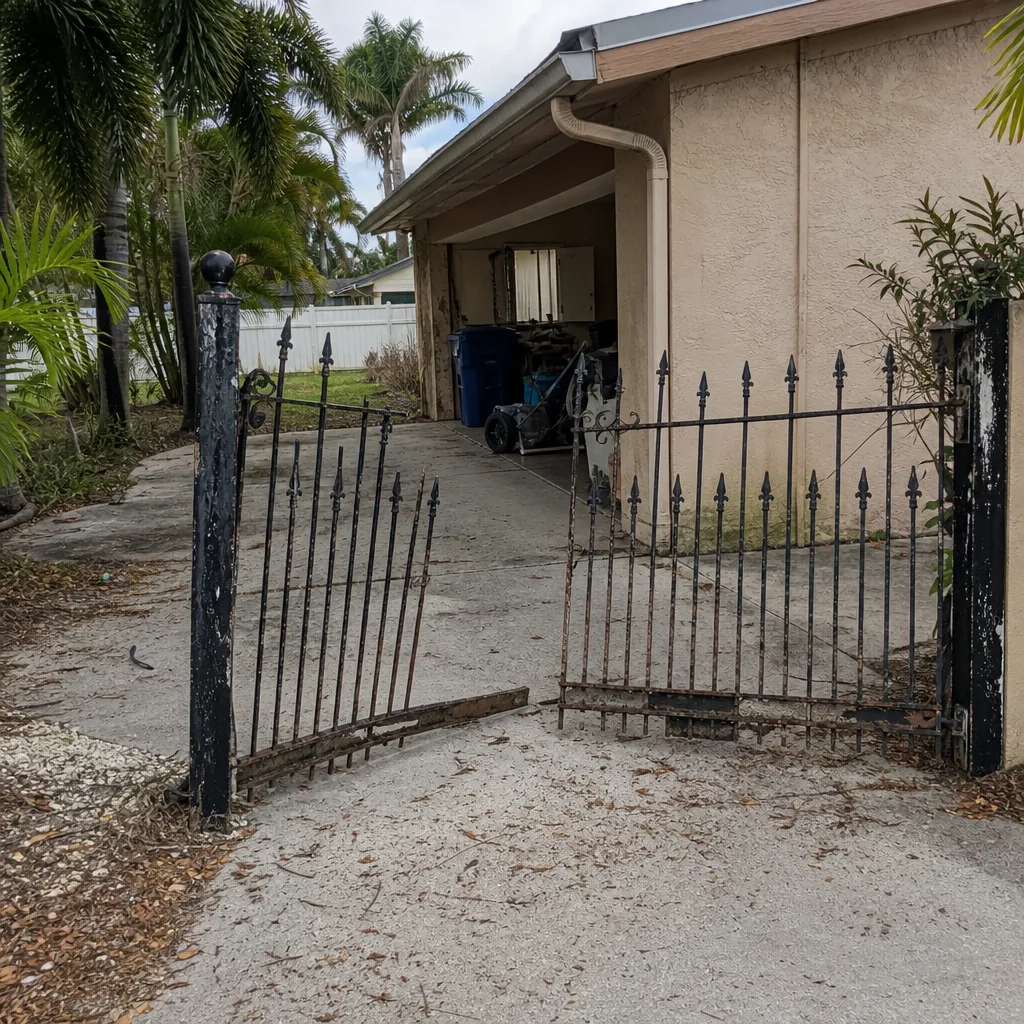 Before
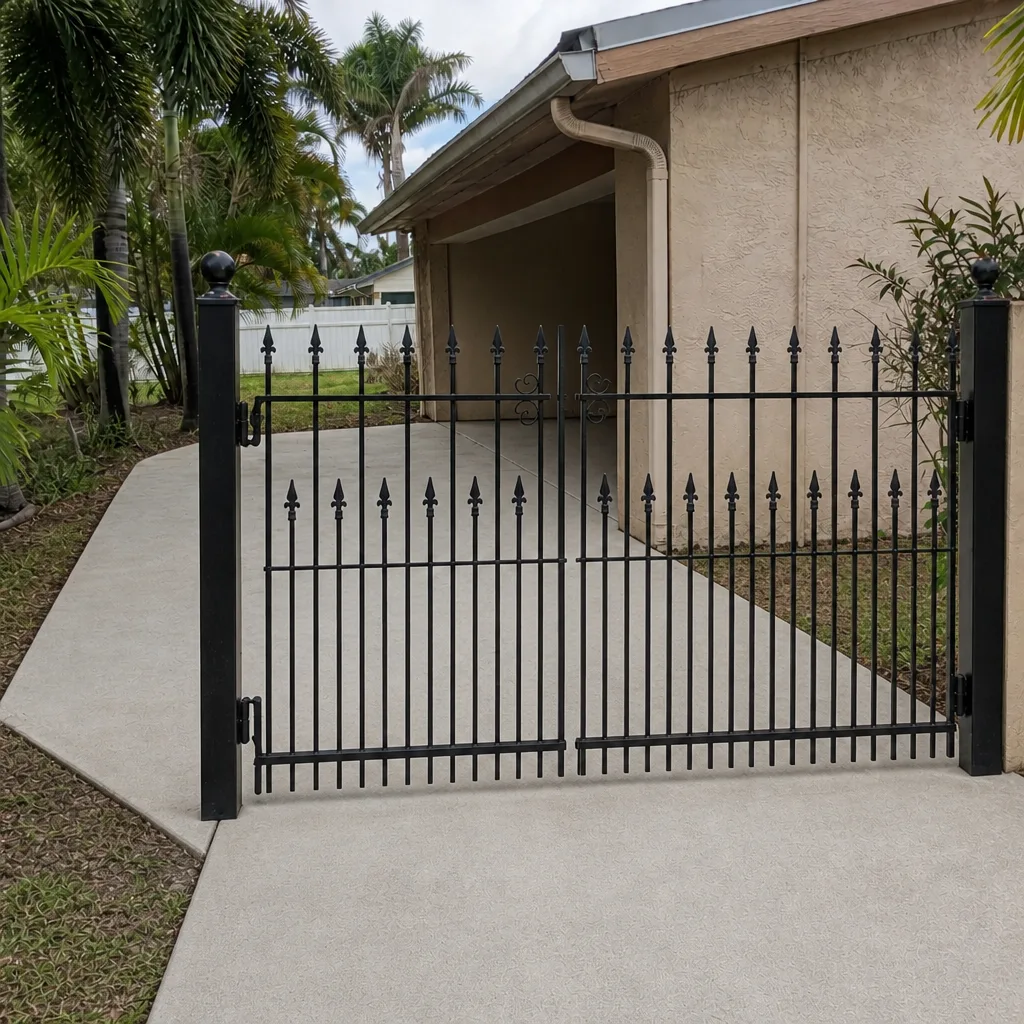 After
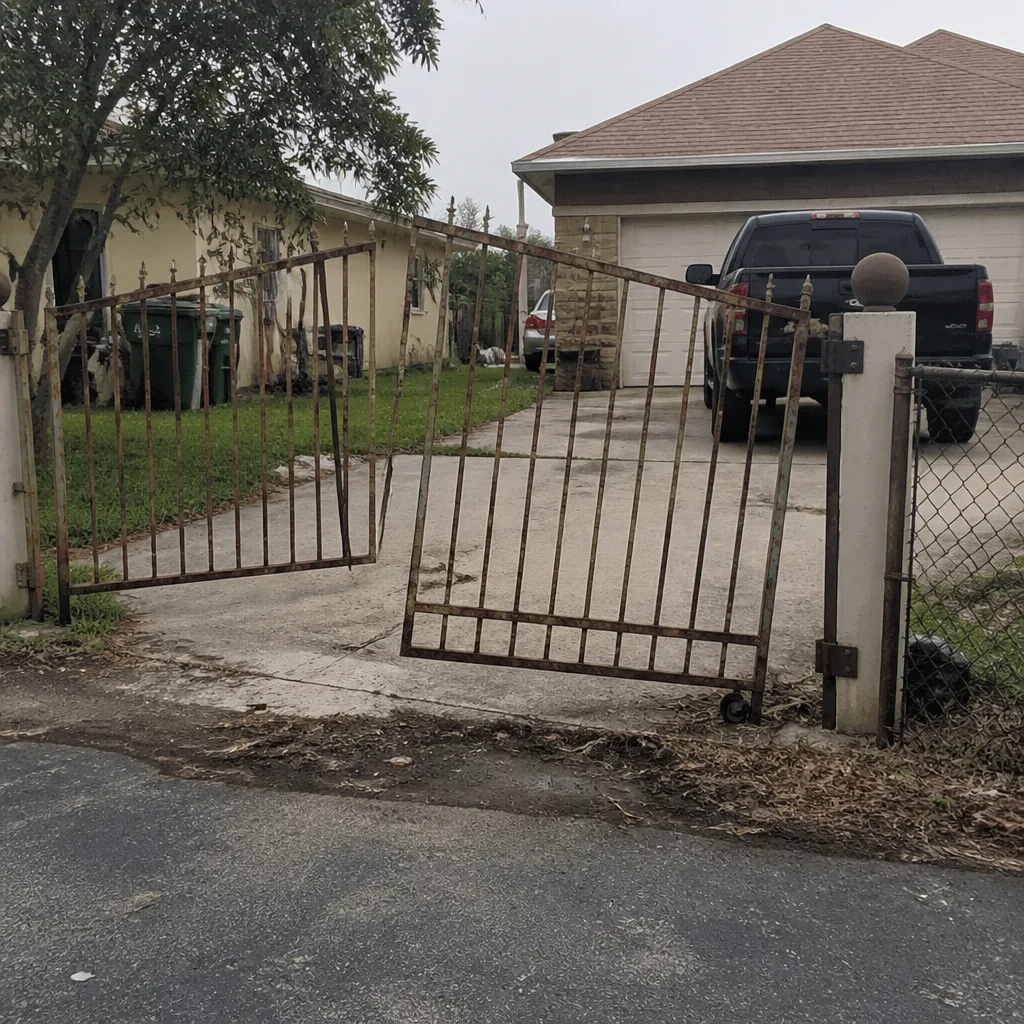 Before
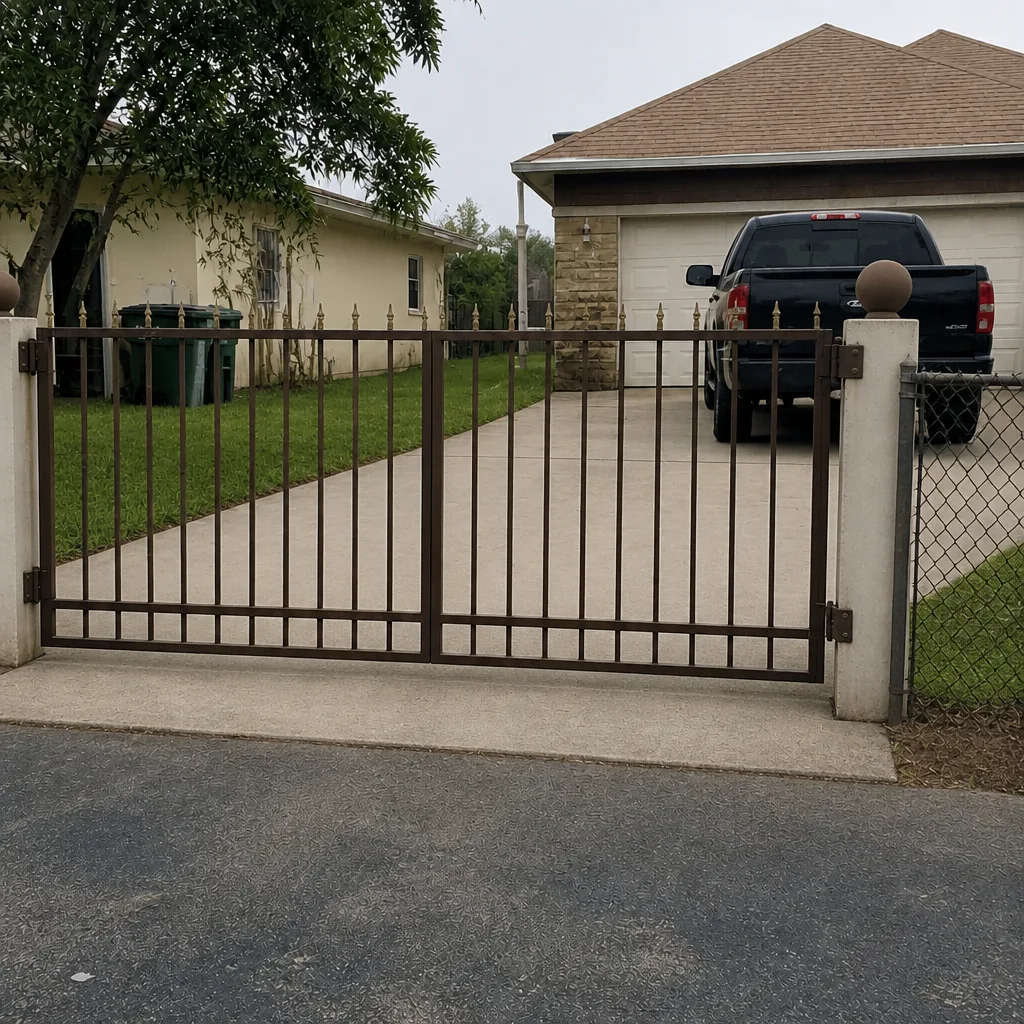 After
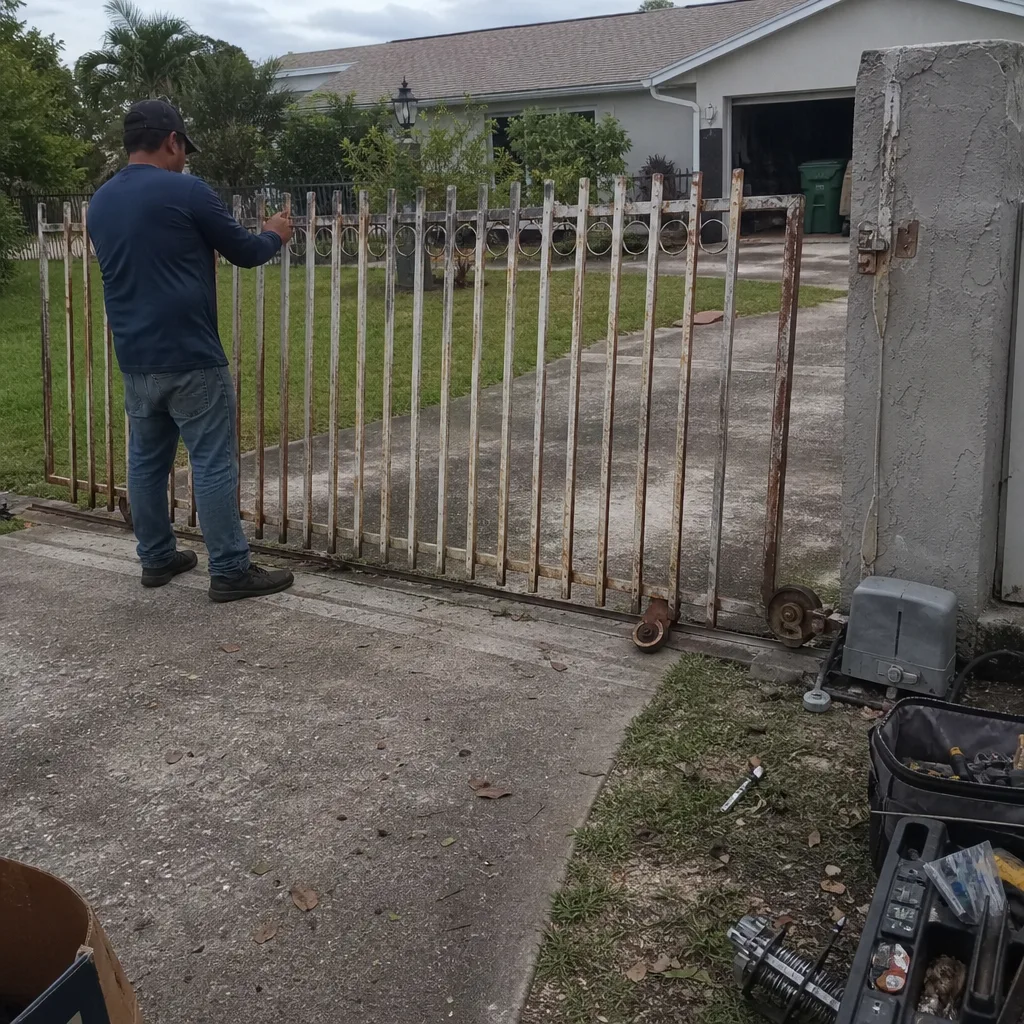 Before
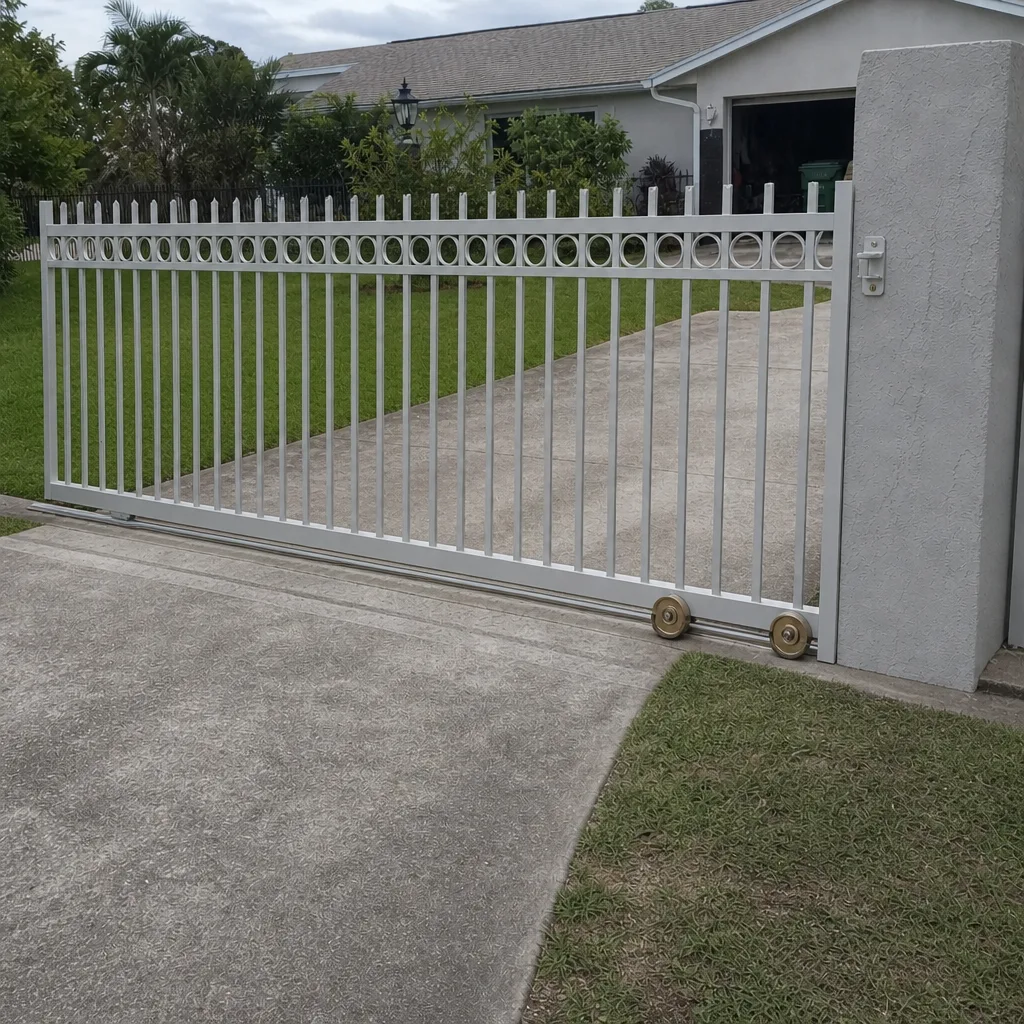 After
When to Call a Professional
Call a technician the same day if any of these describe your gate: it stops in a different place on different cycles, it hums after it stops, it reverses for no reason, it repeatedly throws the same blinking light code, or a post or frame has visibly moved. These are the situations where a same-day look can prevent the failure entirely. Also call if the gate has started to slow down and you can’t identify whether it’s an operator or a mechanical problem, or if a storm has left the gate dragging, misaligned or slow to close. Cape Coral Gate Repair offers free estimates in Cape Coral. Call (855) 687-9638. We answer 24/7. Fast dispatch from 7am to 7pm, Sunday through Friday, and the price is quoted and agreed before any work starts.
If you’re newer to the area or need a sense of which Cape Coral neighborhoods we’re regularly in, that page covers the city and how homes and property types vary across it. For the full picture of how we handle gate repair, our main page at Cape Coral Gate Repair covers both repair and installation work across residential and commercial properties.
Frequently Asked Questions
The first reliable warning sign is a short hesitation before the gate moves. That pause is motor strain or mechanical friction, and in Cape Coral’s heat it tends to worsen faster than in cooler markets. If your gate hesitates, get it checked before it stops completely.
Not necessarily. Blinking light codes point to a specific fault, and on most brands the fault is often external: a misaligned photo eye, a limit switch that has drifted, or a safety edge in the wrong position. Match the pattern to your brand’s manual and get a technician to check the system before assuming the board needs replacing. Call (855) 687-9638 for an exact quote, and the estimate is free.
The lifespan depends heavily on how often the gate cycles and how much heat and sun the operator gets. Residential operators that cycle a few times a day typically last longer than commercial operators that cycle dozens of times a day. The best way to extend life is to catch warning signs early, which is what this guide is built around.
A grinding sound on a swing gate usually means hinge wear or the operator arm, and on a slide gate it usually means debris or worn rollers in the track, or a pinion that has lost mesh. Grinding is mechanical rather than electrical, so the fix is usually in the moving parts, not the control board. Stop cycling the gate and get it checked before the wear gets worse.
We don’t recommend working inside the operator housing. Gate operators carry mains electricity, store energy in capacitors even after power is off, and the moving parts are heavy enough to injure. Diagnosis and repair belong with a technician who works on automated gates and the brand you own.
We work on LiftMaster, FAAC, BFT, Linear, Viking, Ghost Controls, DoorKing, Elite and Mighty Mule gate operators. That spans residential and commercial systems, so whether you’re a homeowner in Cape Coral with a Mighty Mule driveway gate or a property manager running a FAAC or DoorKing commercial entrance, we can look at your specific system. Call (855) 687-9638 for an exact quote, and the estimate is free.
The Bottom Line
Gates almost never fail without warning, but the warnings hide in plain sight: a half-second hesitation, a new grinding sound, a hum that continues after the gate stops, a stop position that drifts by an inch. In Cape Coral’s heat, those small signs compound quickly, and the window between “slow” and “stopped” is shorter than most homeowners expect. Treat a slow gate as a signal, not a quirk. Do the ten-minute monthly inspection. Take post-storm misalignment and inconsistent stop positioning seriously. If any of the signs in this guide are showing, get the gate looked at before it finishes failing, and you’ll usually get a repair instead of a replacement.
If you’re not sure what your gate is doing, call us and we’ll help you figure it out. We answer 24/7. Fast dispatch is available 7am to 7pm, Sunday through Friday, and estimates are free. The price is quoted and agreed before any work starts.
Written by the team at Cape Coral Gate Repair.